Explain Donut Chart
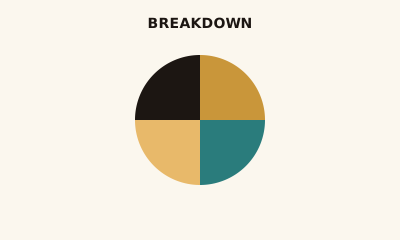
A donut chart shows part-to-whole like a pie chart, with a hollow center for a single number—total, target, or KPI.
What is a Donut Chart?
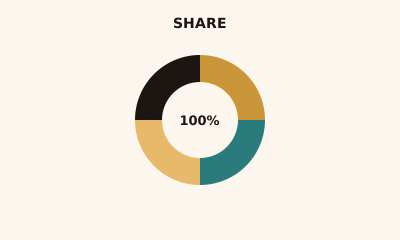
A donut chart is a pie chart with the center removed. The ring shows composition: each segment is a category and segment size is its share. The empty center can display one number—e.g. total revenue or 100%.
When to use a Donut Chart
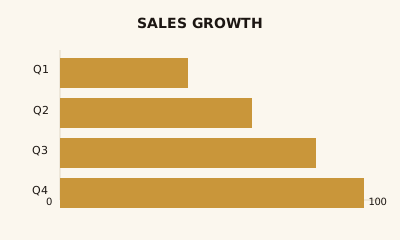
Use a donut when you want part-to-whole for a few categories (about 2–5) and a central KPI adds meaning—e.g. total sales with a product mix ring, or NPS with response breakdown. Avoid when you have many segments or need precise comparison (prefer a bar chart).
How to read a Donut Chart
Read the ring like a pie: match segments to the legend for category and share. Read the center for the single summary value. Use labels or legend for exact numbers; don’t rely on angle alone.
Common mistakes
Too many segments; using a donut when a simple number and trend would suffice (e.g. a KPI card); 3D or effects that distort proportion.
Variations
Single ring with center KPI; multiple concentric rings for nested breakdowns (use sparingly—can get busy).
Donut Chart in BI tools
Donut charts are in Tableau, Power BI, Sigma, Looker, and Excel. Use when composition plus a central number matters.
vs. other charts
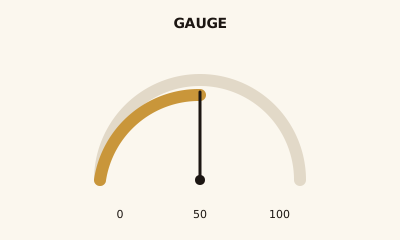
Choose a donut over a pie when the center number is part of the story. Choose a gauge when you’re showing one value in a range, not composition. For many categories, use a bar chart or treemap.
FAQ
What is the difference between a donut chart and a pie chart?
Donut charts have a hollow center where you can show a summary number (e.g., total revenue or 100%); otherwise they convey the same part-to-whole information as a pie. Choose a donut when the center KPI adds meaning.
When should I use a donut chart?
Use a donut when you want to show composition of a whole (2–5 categories) and also highlight a single number in the center—for example, total sales with slices for product mix, or NPS score with response breakdown.
How many segments should a donut chart have?
Keep to 5–6 segments for readability. Group small categories into "Other" if needed. Too many thin slices make both the ring and the center number hard to read.
When is a donut chart better than a gauge?
Donuts show part-to-whole (multiple segments); gauges show one value in a range (e.g., 75% toward a goal). Use a donut for composition; use a gauge for a single metric against a scale or target.
Have a chart you can't figure out?
Paste any chart screenshot and get a plain-English explanation in seconds.
Upload your chart →