Explain Bar Chart
Bar charts categorize elements by size. They answer comparison questions: Which is largest? How do regions or products rank?
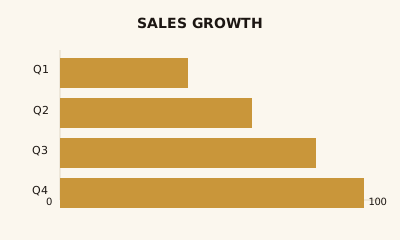
What is a Bar Chart?
A bar chart shows categorical data as rectangular bars. One axis lists the categories (regions, products, statuses); the other is a numeric scale. Bar length—horizontal or vertical—encodes the value. Vertical bars are often called column charts.
When to use a Bar Chart
Use a bar chart when you want to compare values across distinct categories and your data is categorical or discrete, not a continuous time series. It fits questions like "Sales by region?" or "Count by status?" Keep the number of categories manageable (roughly 5–15); for long labels use horizontal bars. If you need trends over time, use a line chart; for many categories or hierarchy, a table or treemap may work better.
How to read a Bar Chart
Check the axis labels: one axis is categories, the other is the scale. Longer or taller bars mean larger values. Use the title and legend for units and, with stacked or grouped bars, what each color means. If the value axis does not start at zero, differences can look exaggerated.
Common mistakes
Too many categories; truncated value axis (always start at zero for bar length to be honest); 3D or heavy effects that distort proportion; using bars for time-series trends instead of a line chart.
Variations
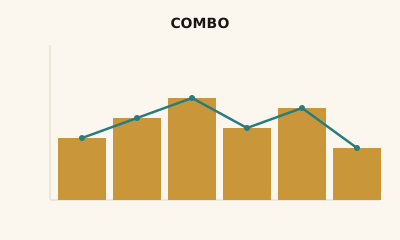
Vertical (column) and horizontal bars; grouped bars for multiple series; stacked bars for part-to-whole per category; 100% stacked for proportions; diverging bars from a central baseline for positive and negative values.
Bar Chart in BI tools
Bar charts are built into Tableau, Power BI, Sigma, Looker, Metabase, and Excel. Use them for comparison views and KPIs across dimensions.
vs. other charts
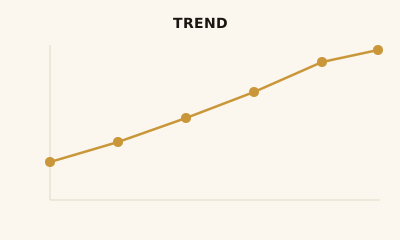
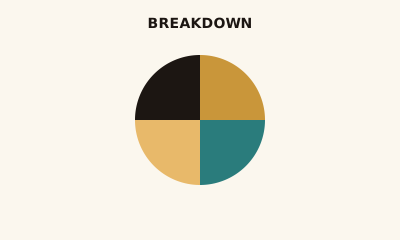
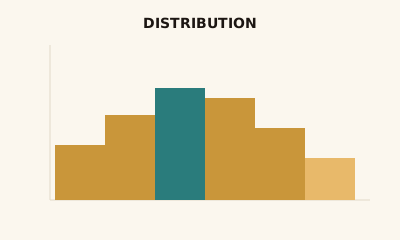
Choose a bar chart over a line chart when you're comparing categories, not change over time. Choose it over a pie chart when you have more than a few categories or need precise comparison. Use a treemap for many categories or hierarchy; use a histogram for the distribution of a single numeric variable.
FAQ
What is the difference between a bar chart and a column chart?
A bar chart has horizontal bars; a column chart has vertical bars. Both compare categories with rectangular lengths. The term "bar chart" is often used for both; "column chart" is common in Excel and Power BI for the vertical version.
When should I use a stacked bar chart?
Use a stacked bar chart when you want to show the total per category and the breakdown of sub-categories (e.g., sales by region with product mix). It is good for part-to-whole within each bar; avoid it if you need to compare the sub-categories across bars.
How many bars should a bar chart have?
Keep bar charts to roughly 5–15 categories for readability. With many categories, consider sorting by value, using a horizontal layout for long labels, or switching to a table or treemap.
Should the value axis always start at zero?
Yes, for bar charts the axis should almost always start at zero. Truncating the axis makes differences look larger than they are and can mislead viewers. If values are very large and differences are small, use a different chart or annotate the scale clearly.
When should I use horizontal bars instead of vertical?
Use horizontal bars when category names are long or numerous—labels fit better and are easier to read. Use vertical (column) bars when you have short labels and want to emphasize rank or trend across a small set of categories.
Have a chart you can't figure out?
Paste any chart screenshot and get a plain-English explanation in seconds.
Upload your chart →